



About Us
About i Love PDF 2
Let’s be honest dealing with PDFs and random file edits can be a real headache. That’s where iLovePDF2 steps in like the digital sidekick you didn’t know you needed. Whether you're cranking out school reports, prepping office paperwork, or running a small business, this platform has your back. It's built to make those “ugh, not this again” tasks feel a lot more manageable.
One thing that really makes iLovePDF 2 stand out? It doesn’t make you jump through hoops. You don’t have to download clunky software or open five different tabs just to get one thing done. With its browser extensions and Workspace Add-Ons, everything's right where you need it inside your workflow. It's kind of like having a toolbox built right into your browser.
the Background Remover Tool. If you've ever needed a clean cut-out of an image, maybe for a presentation, a website, or even a quick design tweak, this thing is gold. Drop in your image (JPEG or PNG, no drama), and poof, the background’s gone. No tricky settings, no weird edges. Just a crisp, polished image you can save in whatever format works best for you.
If you’re more of a visual learner or just want to see it in action before giving it a go, there’s a straightforward YouTube video that walks you through the process. No tech jargon, just real steps with helpful tips that actually make sense.
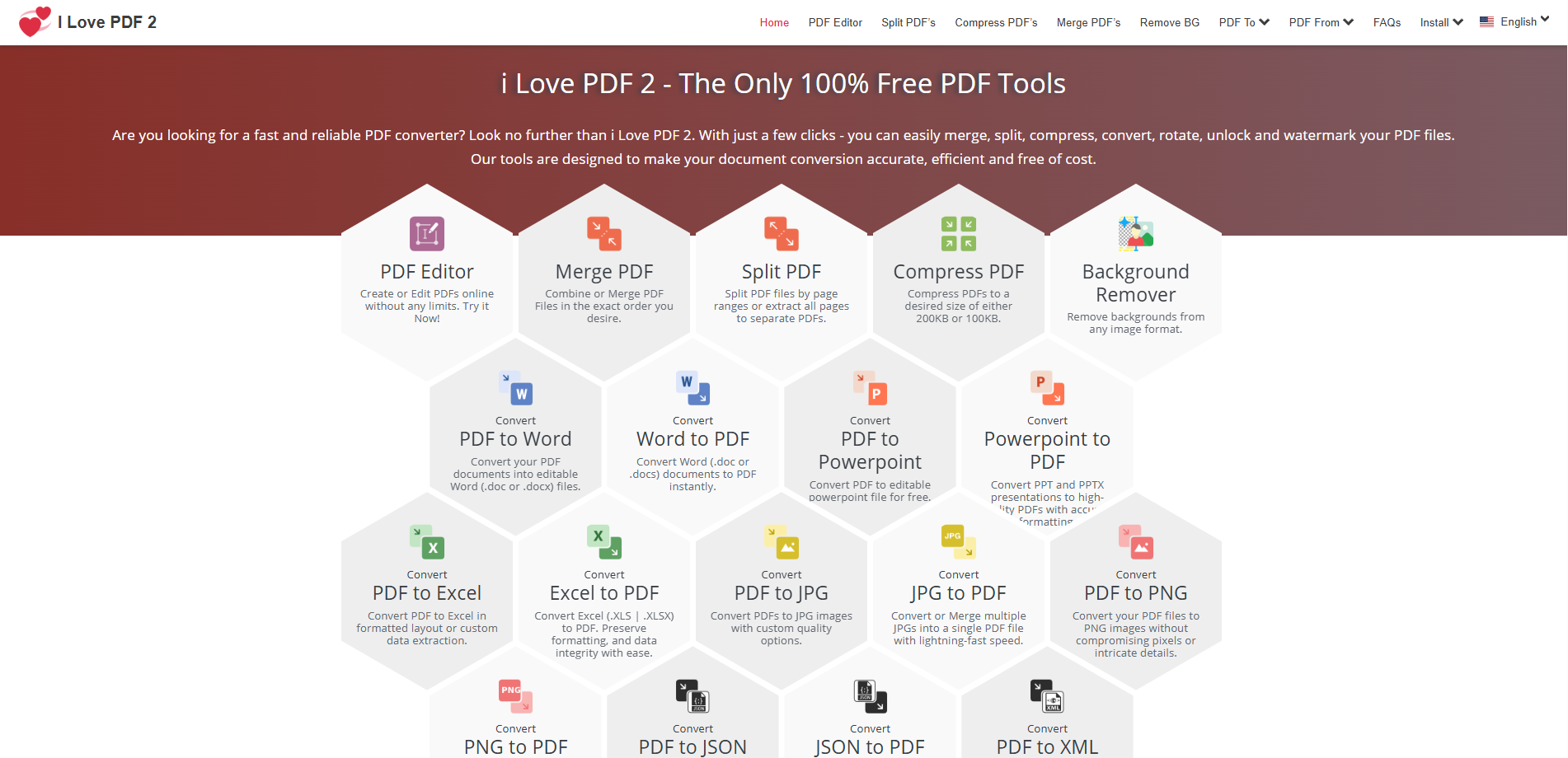
Of course, background removal is just one piece of what iLovePDF2 offers. The platform’s loaded with other tools that cover just about everything you could need. Want to turn a Word doc into a PDF? Easy. Need to compress a file that’s too big to email? Done. Trying to combine a bunch of PDFs into one file or break one up into smaller chunks? It’s all there. There's even an OCR tool that can scan a PDF and let you grab the actual text from it perfect for editing or repurposing old documents.
What’s nice is, the whole platform feels like it was made by people who’ve actually struggled with these things before. The layout’s clean, the tools are labeled in plain language, and it doesn’t assume you’re some kind of tech wizard. Plus, it plays well with cloud storage, so you can pull files directly from Google Drive or Dropbox without leaving the page. And as for privacy? Your files are processed securely and then wiped, so no worries there.
Bottom line: whether you’re on a laptop, working from your browser, or using it as part of your daily workflow, iLovePDF2 is built to save you time and sanity. If you haven’t checked it out yet, now’s a good time to take it for a spin. It might just become your go-to for all things file-related.