


How to troubleshoot your common printer problem?

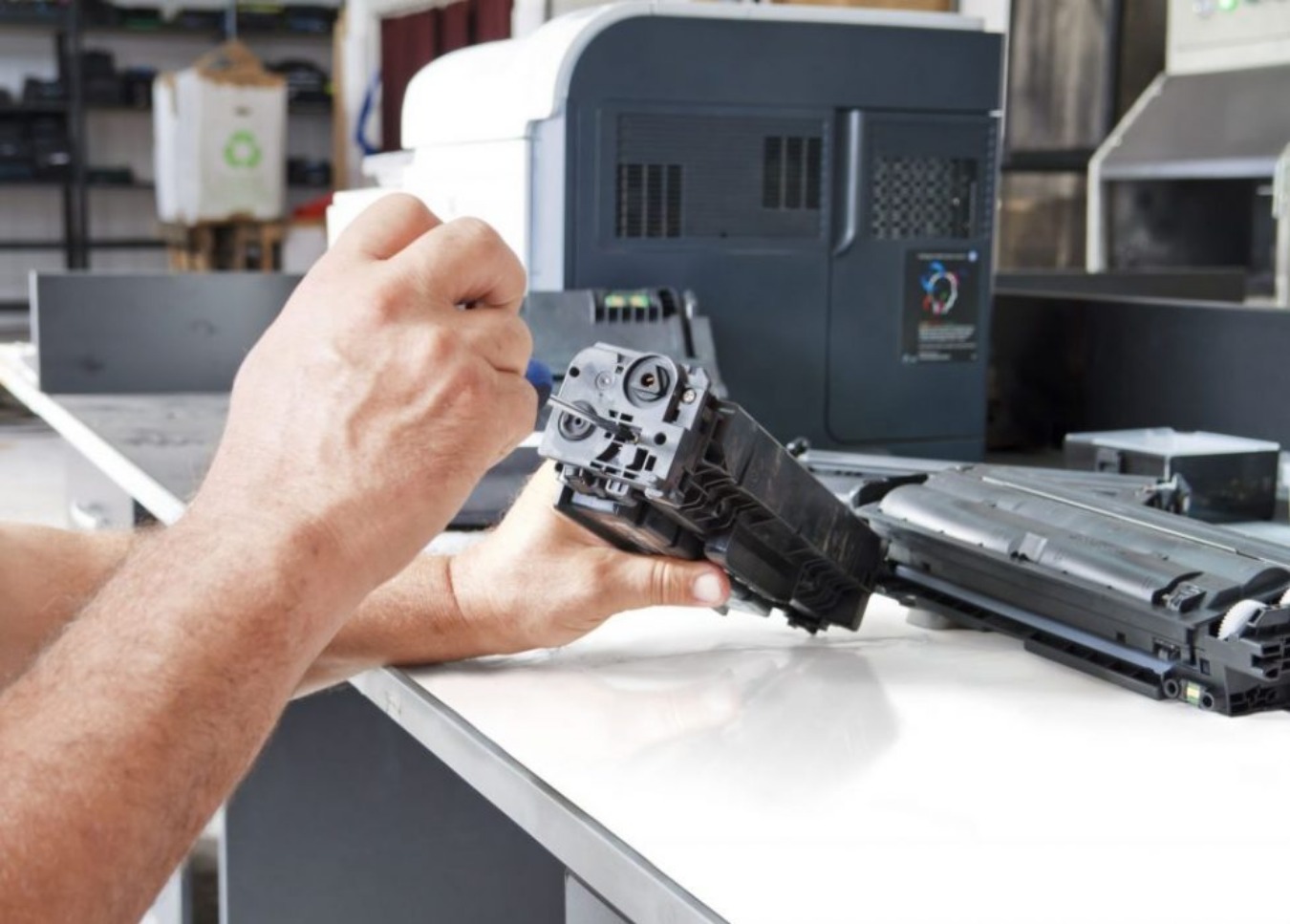
There occur several printers factors which may trigger difficulty while we are performing some printer jobs and sometimes the model of the printer may not aspire to cooperate. In the absence of printer maintenance there may occur some technical glitches and it will lead to halt for the printer performance. The basic errors we get includes, the run out of ink, poor quality of printer jobs, slow printing or sluggish printing, sometimes paper jam. We may also encounter some specific error codes on the LED screen or the display panel.
In this informative post, we can get an idea about the common errors and about how effectively we can fix those problems and at the same to how to eradicate such troublesome technical printer errors.
SOME COMMON ERRORS AND THE THINGS TO DO FOR FIXING THEM:
Printers may encounter several types of issues and obviously we need to have some technical ideas and knowledge to short out those errors. Apart from technical issues there occur some primary issues and we need to take care of those things before performing the technical hacks. Initially, we need to check whether the printer is plucked into the power outlet, powered on and as well as we have to find whether it is connected to the respective system or Wi-Fi. By doing these primary verification we can get rid of from the tension arise due to these errors.
Lets start with the simple and quick troubleshooting checks. My Printer is not Printing Printer wont print issue this might be an annoying situation while doing a huge quantity of printing jobs. In this case it wont display any error messages. To recover from this condition you need to verify whether the printer is connected to the Ethernet cable or USB cable. If it is wireless, then check it is connected to the proper Wi-Fi network. Sometimes this may occur due to the damaged driver of the printer.
If it is so then you can download the proper driver from the official website. Ghost Jams When you detect a paper jam error but there isnt, then the issue might be arising due to some internal glitches of the printer. This may also cause because of the debris in the Duplexer of printer. Here are some fixes through which you can get rid of from these errors. First remove the rear duplexer and seize any of the four rollers, do the rollers of duplexer mover smoothly? If not then proceed with the following steps. Make the paper clip touch the brass contact point of the duplexer.
Linking this contact may make the printer consider that the duplexer is still installed. Then tap ok of the control panel. Then, check the white plastic gears of the printer model which is on the left-side panel of the printer. In this step, you need to verify the gear teeth of the printer to check if there are any shards of paper or any derbies. Whenever the gears and rollers rotate unobstructed, then you have cleared the ghost jam of your printer and now, you can remove the paper clip and use your printer for the print jobs.
FINALLY!! Here in this post we came to know about some common printer errors and the solution to fix it. These errors are very general but in case it may be a frustrating one. So, you need to troubleshoot those issues for a hassle free printer job. If you are in need of a professional printer help you can hire them too.